
The Dashboard is the main landing page when logging into POP Tracker. It has the same layout for all clients and shows a summary of all activity for the selected client. The data is pulled from all 'active' campaigns. As soon as a campaign is archived, it is no longer represented in the data calculated on this screen.
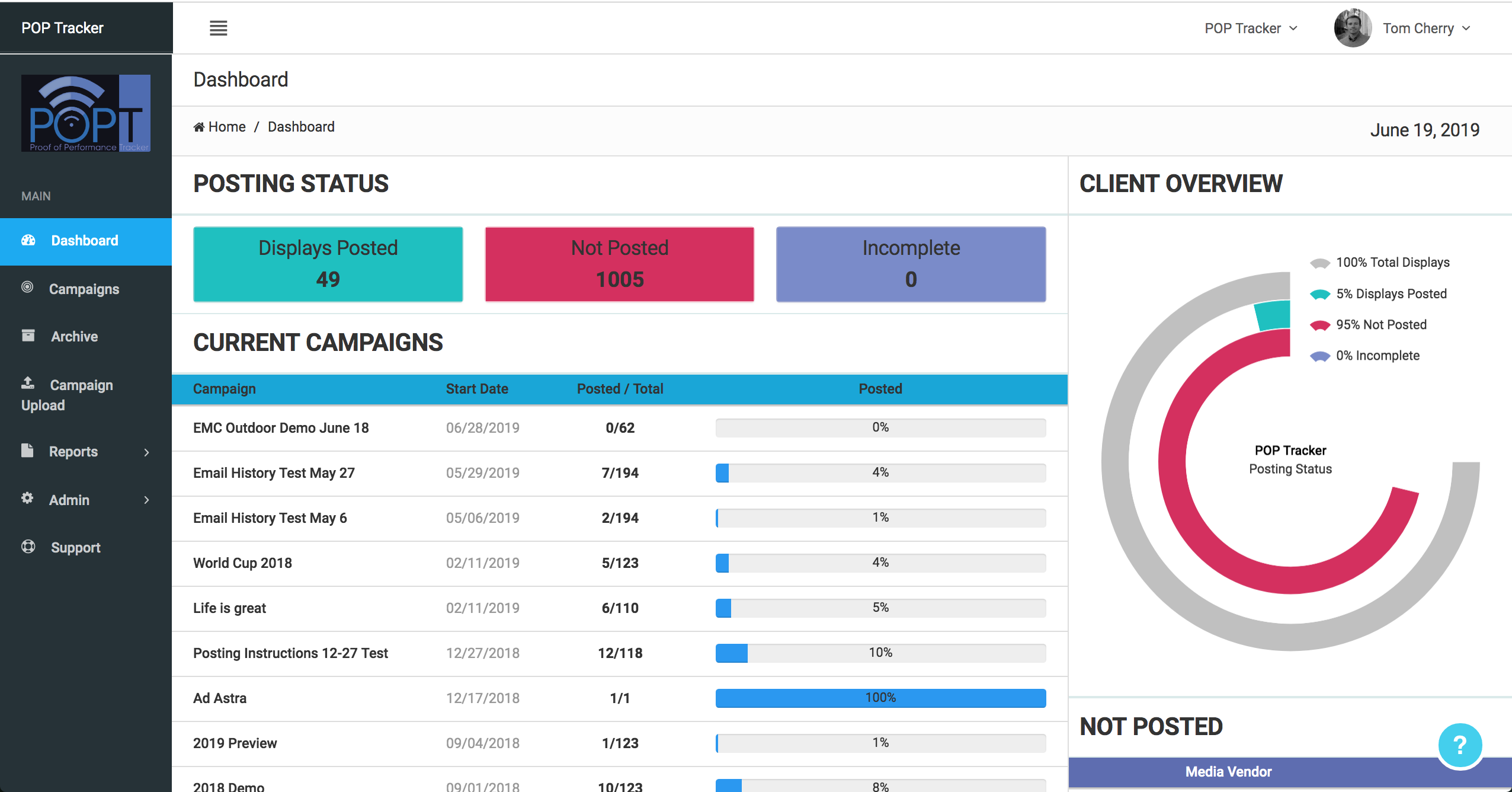
Posting Status
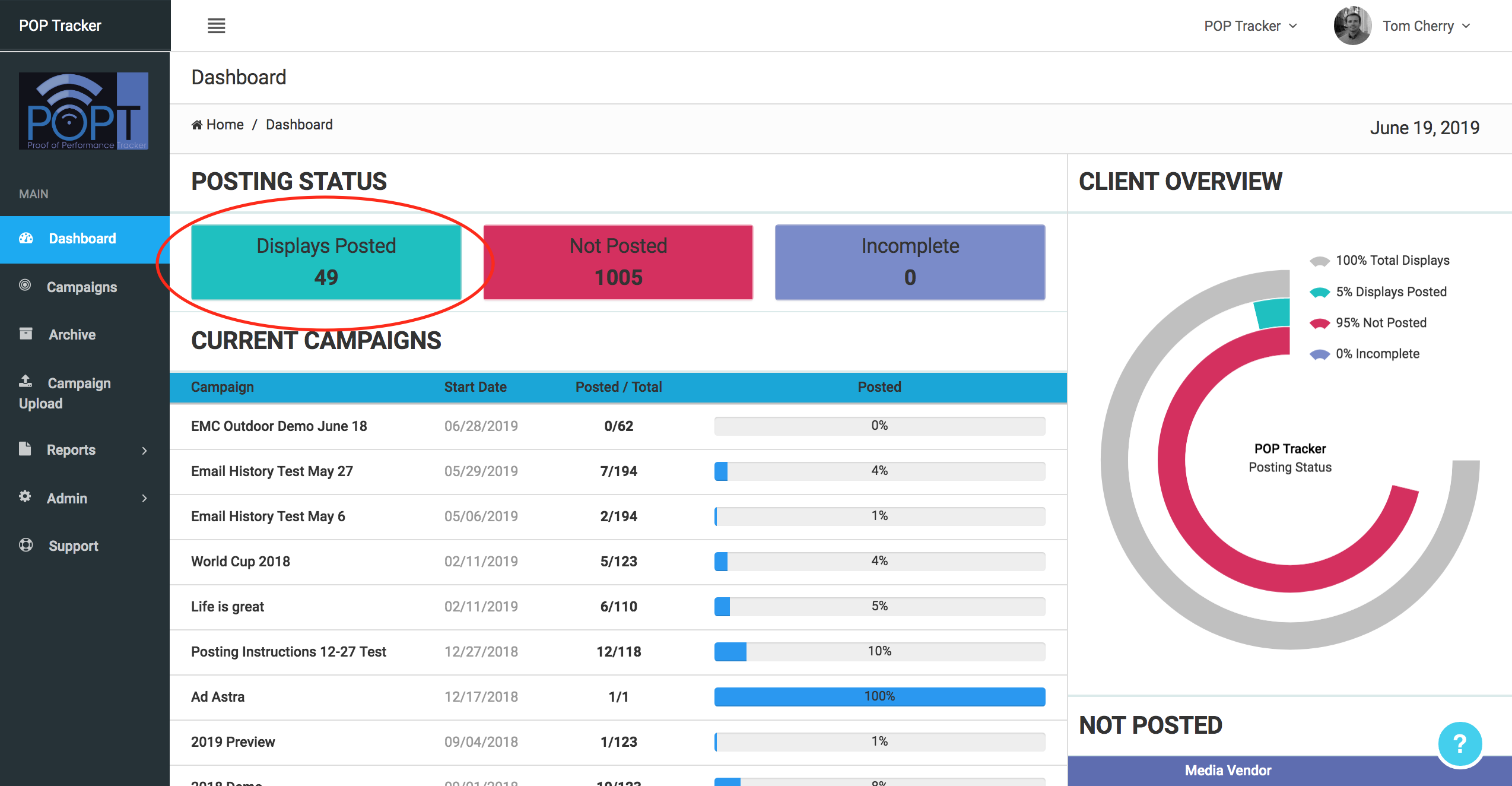
Displays Posted
The Displays Posted box show all displays for which an installation date and proof of installation image have been received. It totals all posted activity across active campaigns.
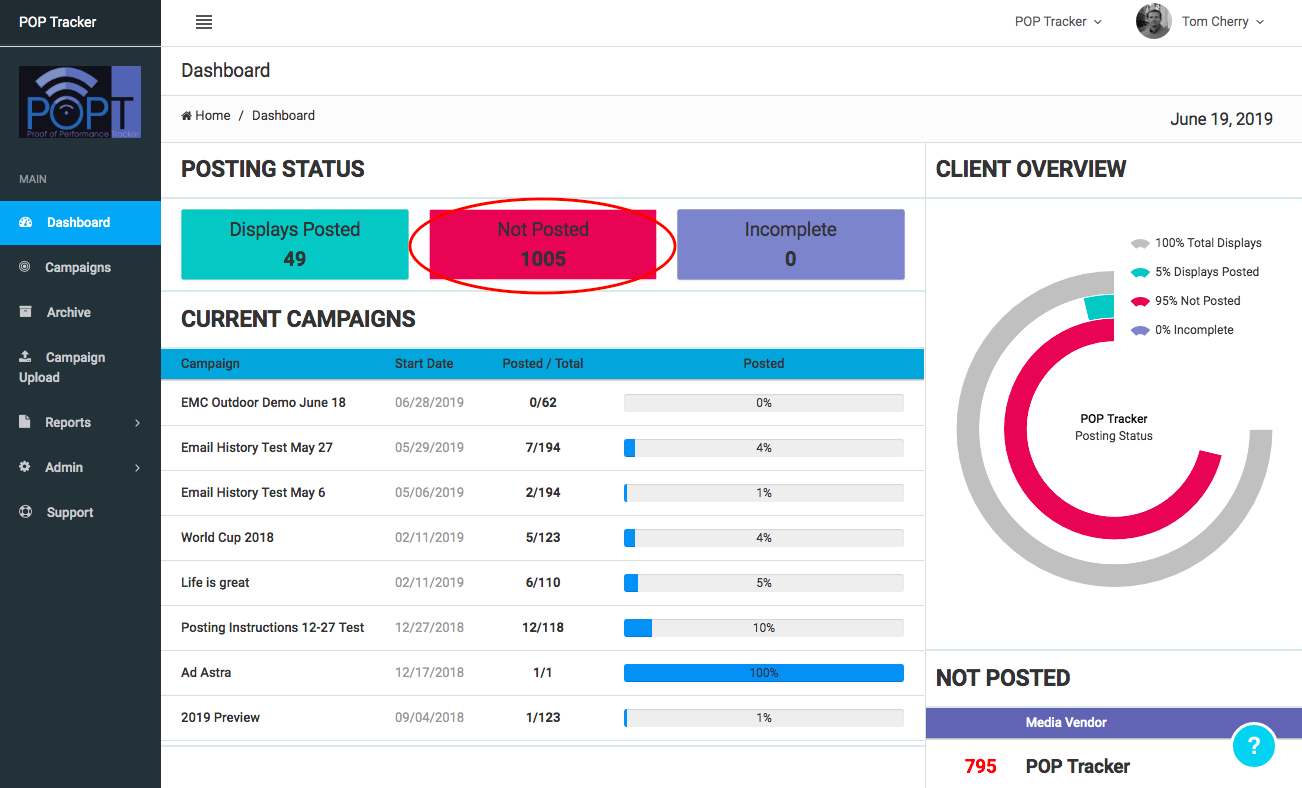
Displays Not Posted
The center box indicates all displays in active campaigns that have not yet been installed.
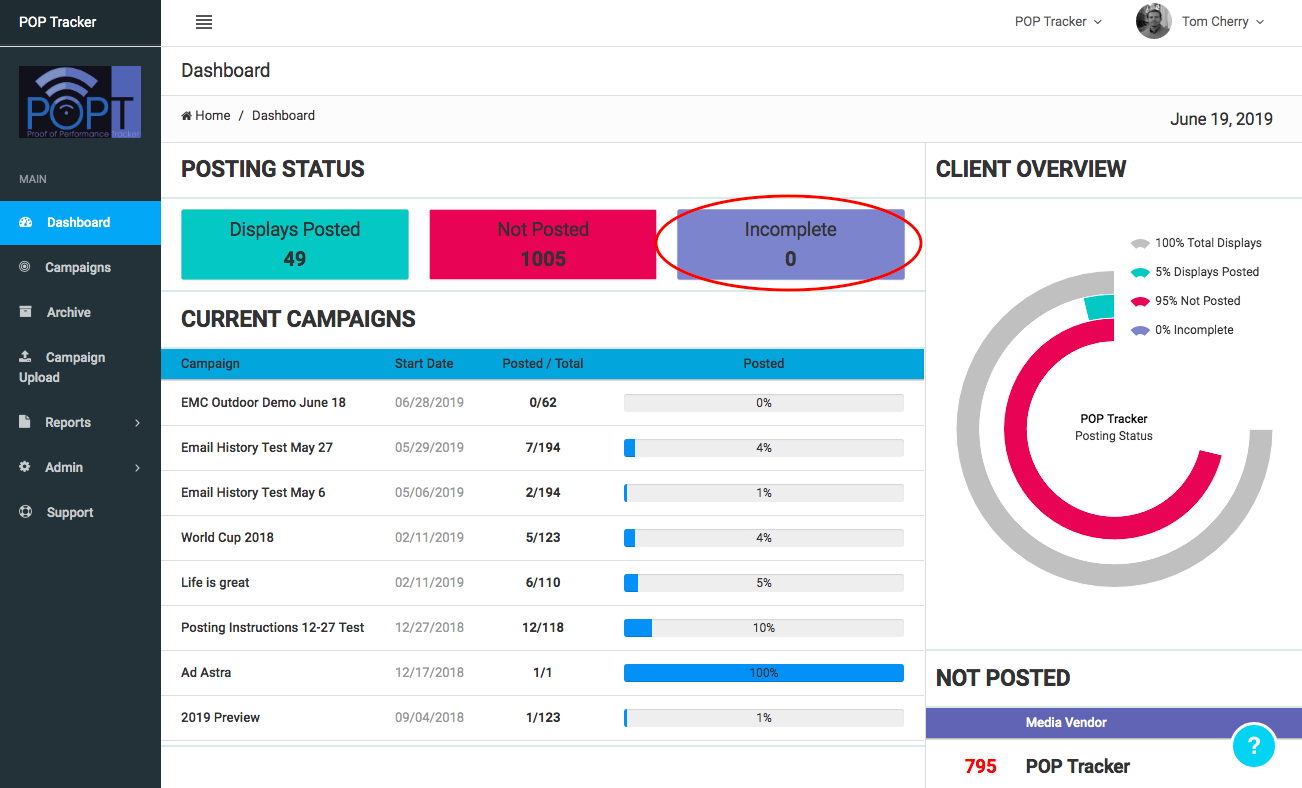
Displays Incomplete
The Incomplete POP box refers to displays where either an installation date or installation image has been received but not both.
Current Campaigns
Get a summary view of the progress for each live campaign. The Dashboard also gives you the ability to quickly open the Campaign Detail screen by simply clicking on the campaign name.
POP Tracker Support - support@mypoptracker.com