

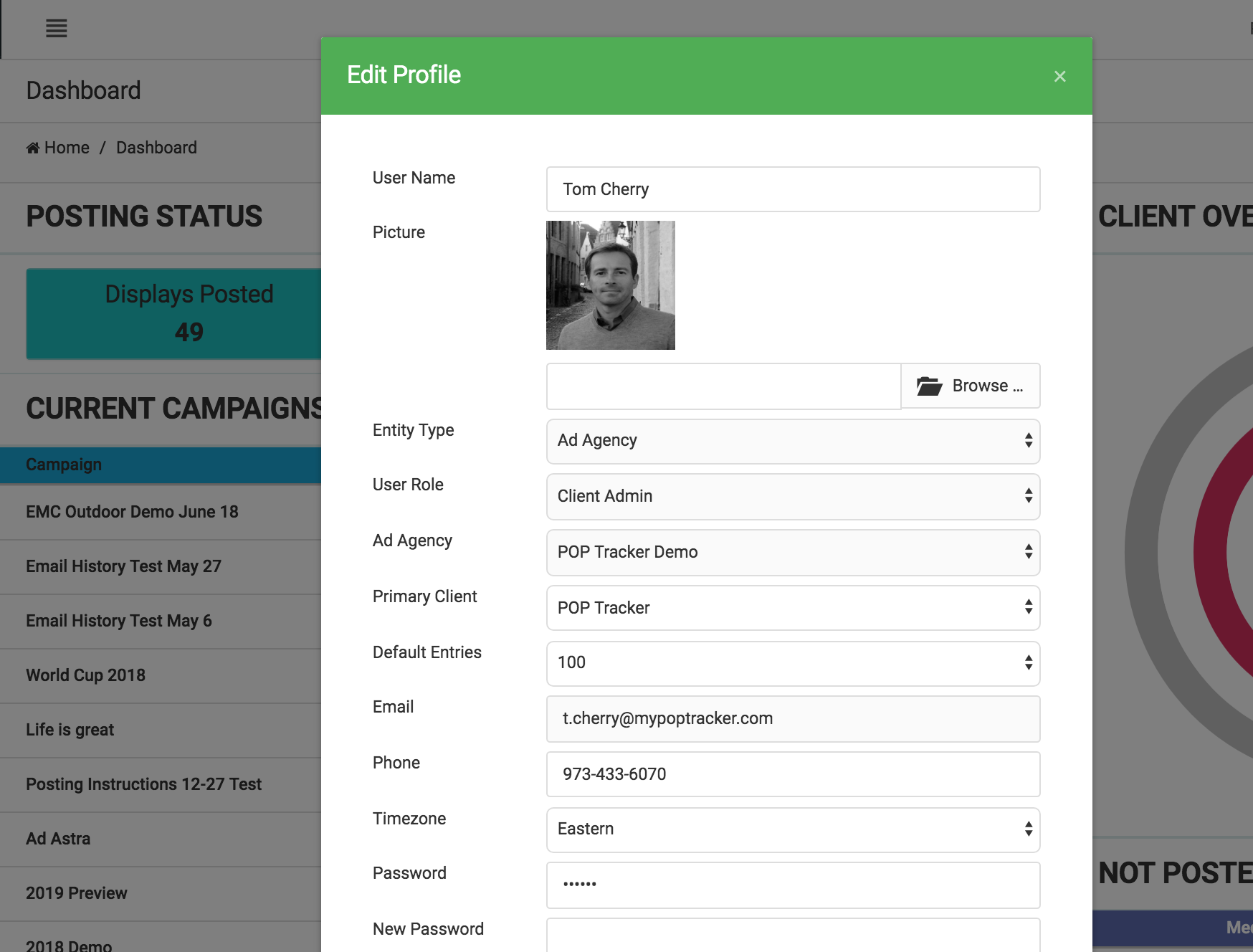
In the top right hand corner after login you can click on your name to active the menu which include your profile settings. Using this menu you can:
Set your default client to display upon login
Change your password
Edit your phone number
Update your user name
POP Tracker Support - support@mypoptracker.com