

How to Insert an Email Signature:
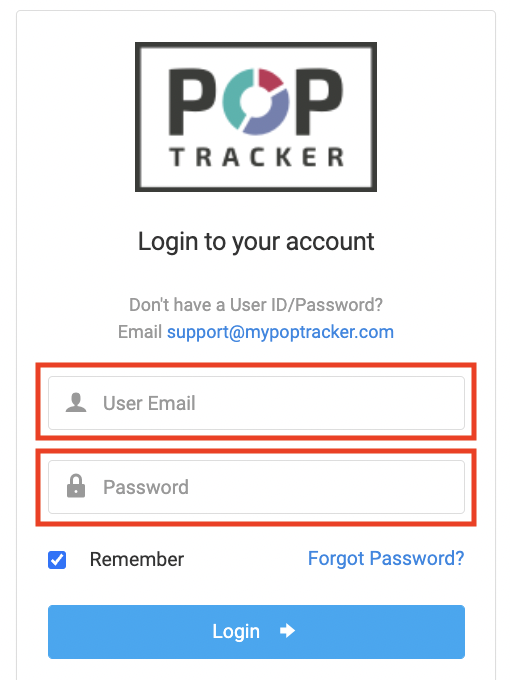
1. Log in to POP Tracker using your personalized credentials.
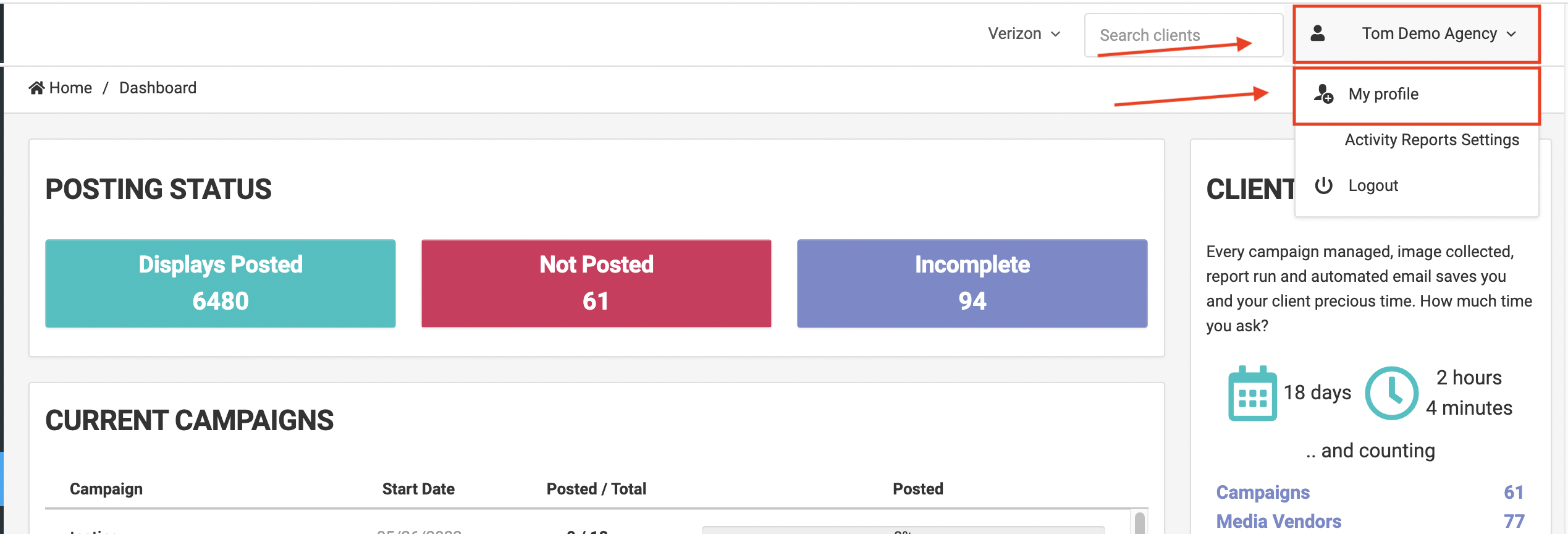
2. On the landing page, your name will be displayed in the top right corner. When selected, a drop down menu will appear with one of the options being "My Profile."
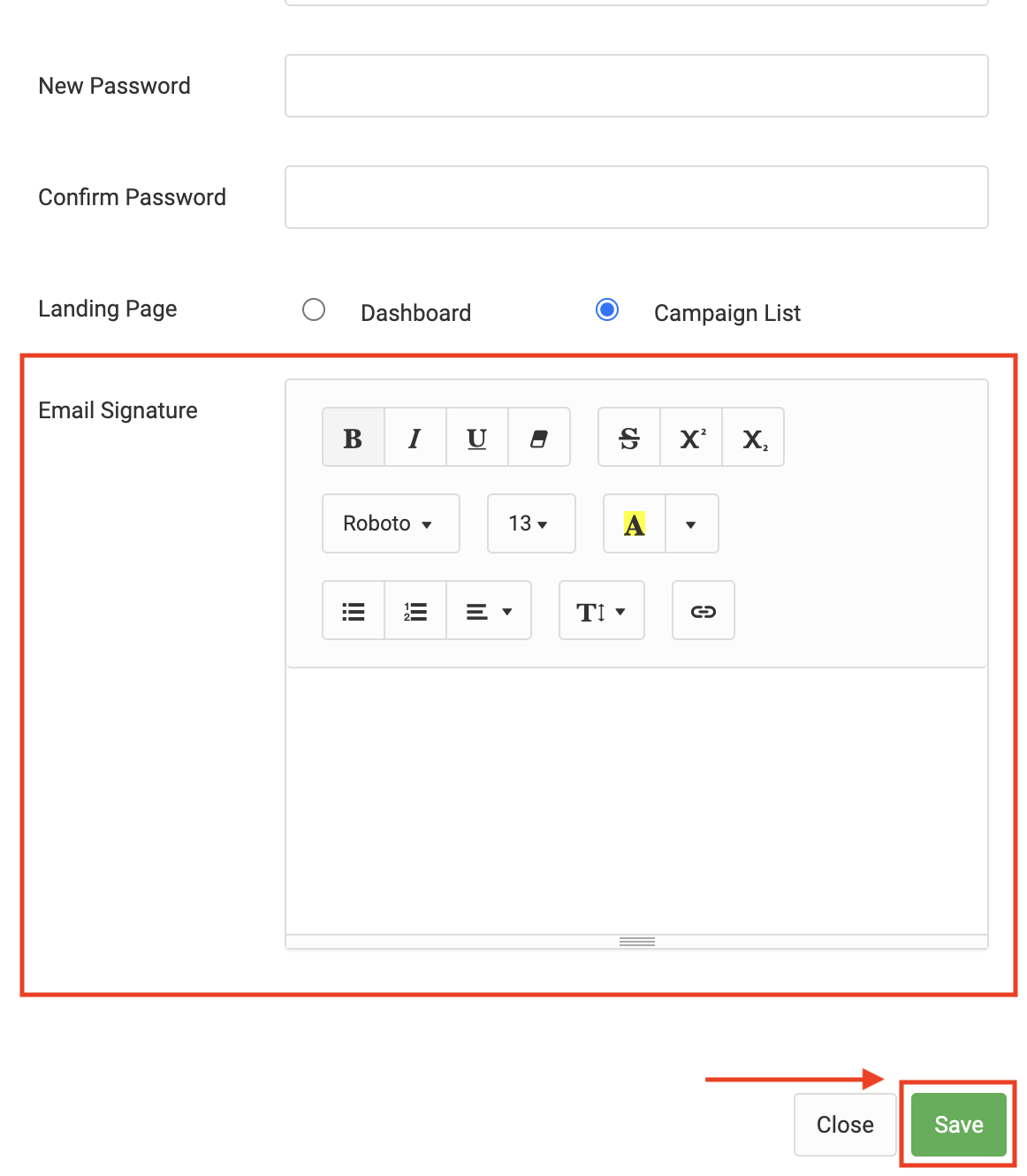
3. After clicking "My Profile" > a pop up will appear and all the way at the bottom will be a section titled "Email Signature" for inserting an email signature. You can then insert you signature in the free text field, as well as attach links and images. When you are finished, hit the green "Save" button at the bottom so it saves your signature.
POP Tracker Support - support@mypoptracker.com