

All campaign data is managed by the agency including Geopath IDs. Sometimes Geopath IDs are missing or are incorrect. Media vendors can edit geopath id field in POP Tracker, which will apply changes to agency users as well and can save time from both groups.
To edit Geopath ID:
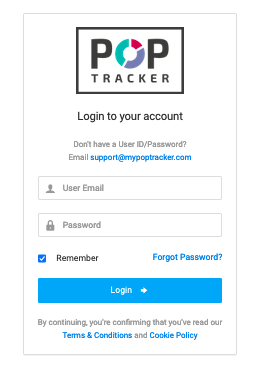
1. Log into POP Tracker
2. Navigate to client + campaign

3. Click "Edit" button on the top right of the chart
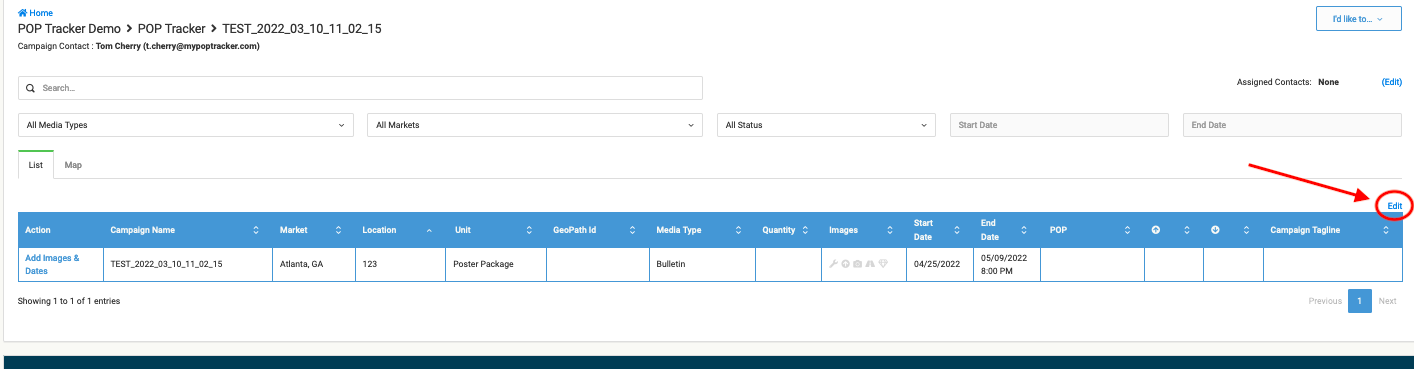
4. Double click on any cell under Geopath ID column > add changes > click "Save"

** All changes will instantly apply to the agency login **